
GigE Vision Industrial Camera Series: Complete Technical Guide to Comst Vision G Series
For production-line engineers, system integrators, and OEM developers, GigE Vision industrial cameras remain the default interface when a project needs a balance of bandwidth, cable length, standard software compatibility, and multi-camera scalability. Unlike consumer web cameras, an industrial GigE camera must deliver deterministic triggering, stable color, and years of field operation in harsh factory environments.
This guide explains the Comst Vision G Series GigE camera family documented on our official GigE cameras series page, with practical selection methodology drawn from product catalog data and real deployment constraints. If you are evaluating a single high-resolution model, also see our dedicated MC-G1600QC-V global shutter guide.
Why GigE Vision Still Dominates Industrial Imaging
GigE Vision (Gigabit Ethernet) combines a mature physical layer with a machine-vision-specific transport protocol. For Comst Vision G Series cameras, the practical advantages include:
- 100 m stable transmission over standard Ethernet cabling—ideal for large lines, gantry systems, and remote inspection stations
- Unlimited multi-camera scaling on the same network switch fabric without proprietary frame grabbers
- GenICam compliance so third-party software (Halcon, LabVIEW, OpenCV pipelines) can discover and control cameras uniformly
- Lower system cost compared with Camera Link or CoaXPress when full 10G bandwidth is not required
- Downward compatibility with 100 Mbps network segments for legacy infrastructure upgrades
When should you choose USB3.0 instead? USB3.0 suits benchtop setups with short cable runs and single-camera labs. GigE wins when cable routing, multi-camera synchronization, or PoE-style power distribution matters. Our general framework is covered in the Industrial Camera Selection Guide.
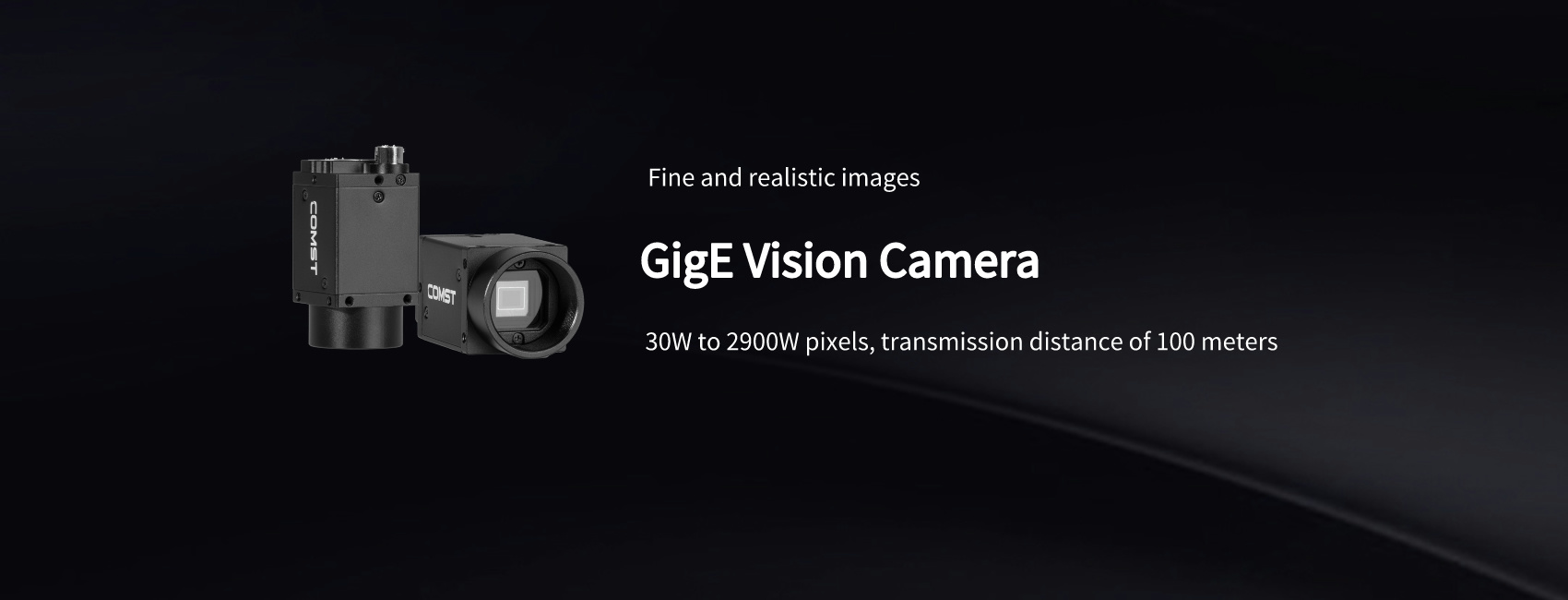
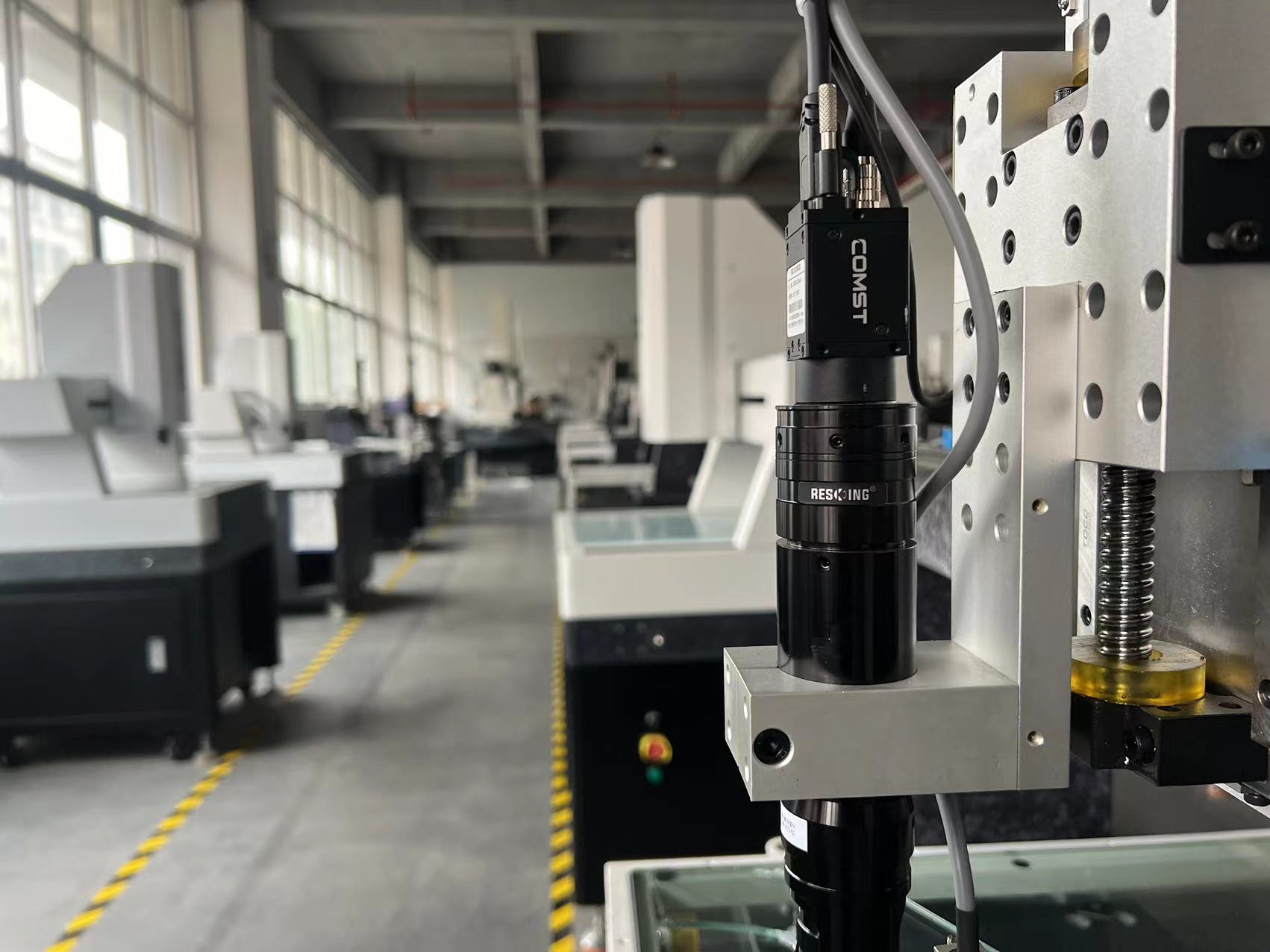
Figure 1 — Comst Vision G Series GigE Vision cameras are designed for production-line machine vision (see full series at comst-vision.com/GigE-cameras).
G Series Platform Architecture
All models in the Comst GigE lineup share a common platform philosophy emphasized on the GigE series page:
- Proprietary image processing pipeline for realistic color, noise control, and consistent batch-to-batch appearance
- White balance lock memory to prevent color drift between inspection cycles
- Compact industrial housing — typical dimensions 29 × 29 × 60 mm, weight about 75 g, easy to mount on robots or compact fixtures
- Cross-platform SDK for Windows, Linux, and macOS with customization support for OEM projects
- Hardware trigger + strobe I/O for tight PLC and motion-controller integration
Shared Technical Specifications (G Series)
| Category | Specification |
|---|---|
| Interface | RJ45 Gigabit Ethernet (GigE Vision V1.2, GenICam) |
| Video output | Bayer8/12, Mono8/12/16, RGB24/32/48 |
| Exposure | Manual / automatic; microsecond to second-range exposure windows |
| Trigger modes | Continuous, software trigger, hardware trigger |
| Crosshair overlay | 9 groups for alignment and teaching |
| SDK languages | C/C++, C#, VB.NET, Delphi, Python; Halcon & LabVIEW components |
| Power | DC 9–12 V, consumption < 2.5 W |
| Environment | Operating 0°C to +50°C; storage −20°C to +70°C; humidity 20–80% RH |
| Lens mount | C-mount (model dependent) |
| Advanced features | ROI, contrast/saturation control, 3D noise reduction, frame-rate tuning, rename cameras on network |
Model Selection by Resolution Tier
The G Series spans from VGA-class global-shutter models to 20 MP inspection cameras. The table below summarizes representative catalog models—use it as a starting point, then confirm frame rate and shutter type for your motion requirements on the GigE product list or contact our engineers.
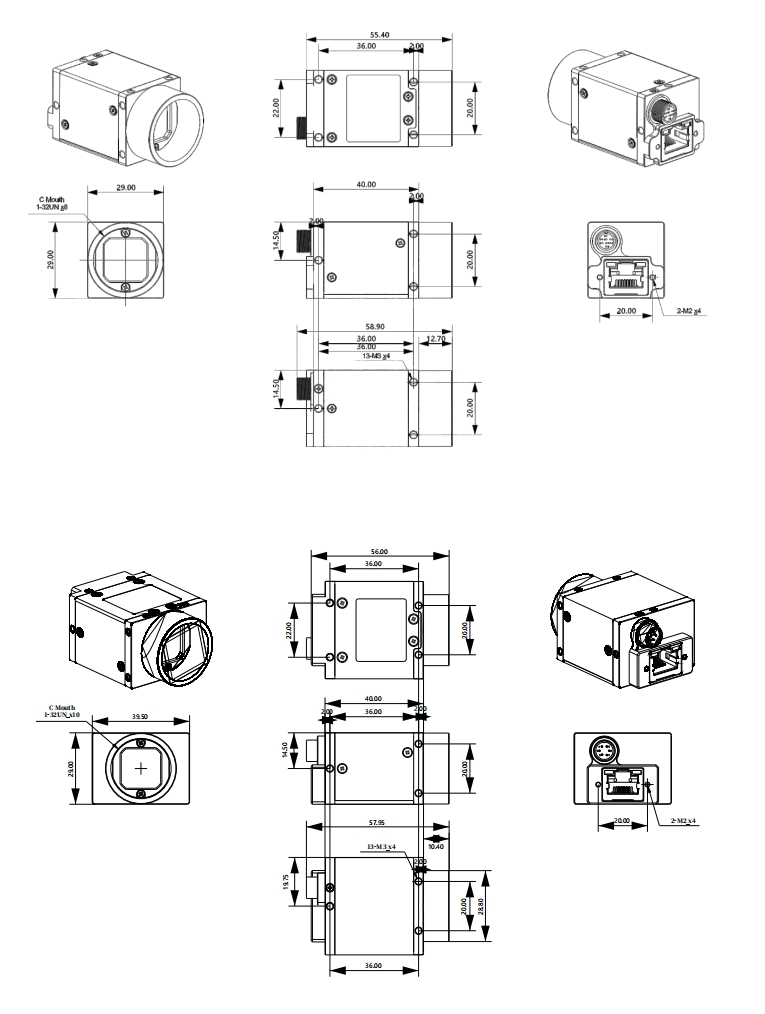
Figure 2 — Comst Vision offers multiple GigE sensor formats and resolutions for different fields of view and inspection speeds.
| Model | Resolution | Sensor | Shutter | Max FPS @ full res | Typical use |
|---|---|---|---|---|---|
| MC-G30QC | 640×480 | 1/3.6" CMOS | Global | 165 | High-speed guidewire, small FOV tracking |
| MC-G130QC | 1280×1024 | 1/2" CMOS | Global | 91 | General AOI, label inspection |
| MC-G200DQC | 1600×1200 | 1/1.8" CMOS | Global | 61 | Motion parts, pick-and-place |
| MC-G300QC | 2048×1536 | 1/3" CMOS | Global | 38 | Mid-range defect detection |
| MC-G500QC | 2448×2048 | 1/3" CMOS | Global | 24 | Fine feature measurement |
| MC-G890QC | 4096×2160 | 1/1.8" CMOS | Global | 13 | Large PCB, panel inspection |
| MC-G1200QC | 4096×3000 | 1.1" CMOS | Global | 9.6 | High-detail static/medium-speed scenes |
| MC-G1600QC | 4112×4112 | 4/3" CMOS | Global | 7.2 | Precision metrology, large FOV |
| MC-G1600C | 4608×3456 | 1/2.3" CMOS | Rolling | 7 | Static high-density inspection |
| MC-G2001C | 5488×3672 | 1" CMOS | Rolling | 6 | Ultra-high resolution slow-line inspection |
Selection tip: If the target moves during exposure, prioritize global shutter models (QC/DQC suffix in many G Series SKUs). For largely static scenes where pixel density matters most, rolling-shutter models such as MC-G1600C can offer higher megapixel counts at similar price points.
Global Shutter vs Rolling Shutter: Engineering Decision Matrix
One of the most common specification mistakes in machine vision is choosing resolution first and shutter type second. In production environments, shutter behavior often determines pass/fail stability:
| Scenario | Recommended shutter | Example G Series direction |
|---|---|---|
| Conveyor belts, vibrating feeders | Global | MC-G200DQC, MC-G500QC |
| Robot arm mounted cameras | Global | MC-G130QC – MC-G890QC |
| Fixed microscope-style inspection | Rolling acceptable | MC-G1600C, MC-G2001C |
| Free-fall or fast rotational parts | Global + short exposure | MC-G30QC / MC-G36QC high FPS models |
For a deep dive on 16 MP global shutter selection, read: MC-G1600QC-V GigE Global Shutter Guide.
Multi-Camera GigE Network Design
Comst G Series cameras support simultaneous operation with no artificial limit on camera count—the practical limit is switch bandwidth and host CPU/GPU decode capacity. Recommended practices:
- Dedicated vision subnet — isolate camera traffic from office IT networks to reduce jitter
- Jumbo frames & switch buffer tuning — verify switch supports sustained 1 Gbps per camera port
- Packet size optimization — adjust GevSCPSPacketSize in GenICam for your NIC and switch combination
- Industrial cabling — use shielded Cat6/Cat7 with screw-lock connectors; see our high flexible GigE cable
- Trigger distribution — share hardware trigger lines or use PTP/IEEE-1588 where supported in your software stack
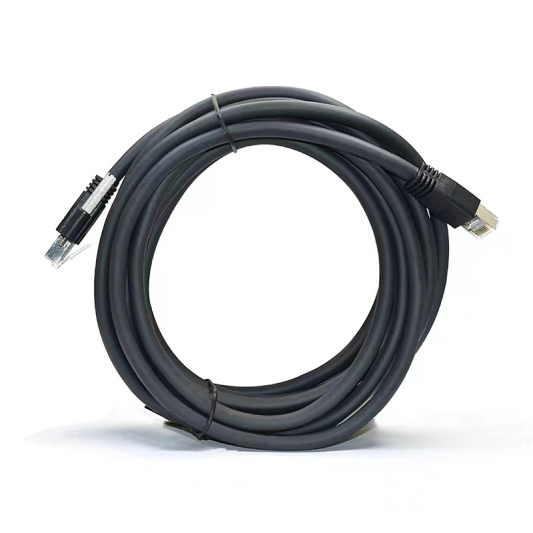
Figure 3 — Industrial GigE cabling with screw-lock retention prevents disconnects on moving equipment (2 m–100 m lengths available).
Software Integration and SDK Workflow
Comst provides a unified SDK across the G Series, reducing development risk when you upgrade resolution or add cameras to an existing line:
- GenICam node map — standard exposure, gain, ROI, and trigger parameters
- DirectShow & TWAIN components — quick integration with legacy Windows inspection apps
- Halcon & LabVIEW drivers — accelerate deployment in established machine vision ecosystems
- Python & C# samples — suitable for AI-assisted defect classification pipelines
- OEM customization — white-label SDK branding and parameter defaults on request
Typical integration flow: (1) enumerate cameras via GigE Vision discovery, (2) configure trigger/lighting, (3) lock white balance on golden sample, (4) stream ROI-cropped images to your algorithm, (5) log exposure metadata per frame for audit trails.
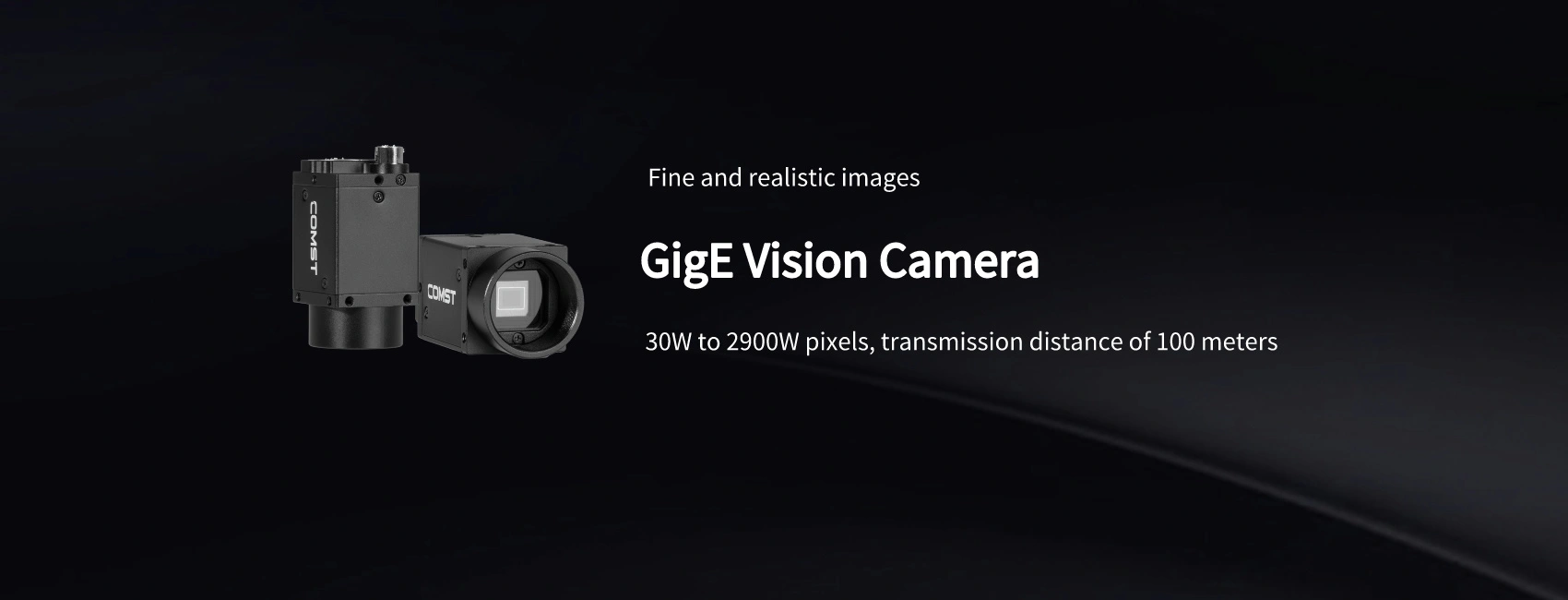
Figure 4 — Compact G Series housing with C-mount lens and GigE interface for embedded machine vision.
Application Playbook
Electronics & Semiconductor AOI
High-resolution models (MC-G890QC, MC-G1200QC, MC-G1600QC) capture solder, connector, and micro-crack defects. Pair with telecentric lenses and dome lighting for repeatable metrology.
Logistics & Barcode Sorting
Mid-resolution global shutter cameras (MC-G130QC – MC-G300QC) balance field of view and line speed for parcel label OCR and dimensioning.
Robotics & Guidance
Low-latency triggering and compact 29 mm footprint simplify mounting on EOAT. Use hardware trigger from the robot controller for phase-locked acquisition.
Medical Device & Laboratory
Color consistency and fine exposure control support visual inspection of consumables and reagent kits where regulatory traceability is required.
How to Specify Your GigE Camera Request
When contacting Comst Vision, providing the following parameters speeds up model confirmation:
- Field of view (mm) and working distance (mm)
- Minimum defect size (mm) or measurement tolerance
- Line speed or cycle time (parts per minute)
- Color vs monochrome requirement
- Number of cameras and cable run length
- Preferred software environment (Halcon, LabVIEW, custom C++/Python)
Related Resources
- Official GigE Camera Series Page — interactive product table & specifications
- GigE Vision Camera Overview — platform features and structure drawings
- All GigE Camera Models — searchable product catalog
- Industrial Camera Selection Guide — step-by-step methodology
- Contact Comst Vision — sample requests, SDK download, project review
Summary: The Comst Vision GigE Vision industrial camera series delivers a scalable, GenICam-compatible imaging platform from sub-megapixel high-speed models to 20 MP inspection cameras. By matching shutter type, resolution, and network architecture to your production constraints—and leveraging Comst's SDK and industrial cabling ecosystem—you can deploy reliable machine vision without overpaying for unnecessary bandwidth or proprietary interfaces.
GigE Vision Industrial Camera
 MC-G1600QC-V 16MP GigE Global
 Industrial cameras in measurin
 Industrial Camera Selection